
Easy Inventory Managment
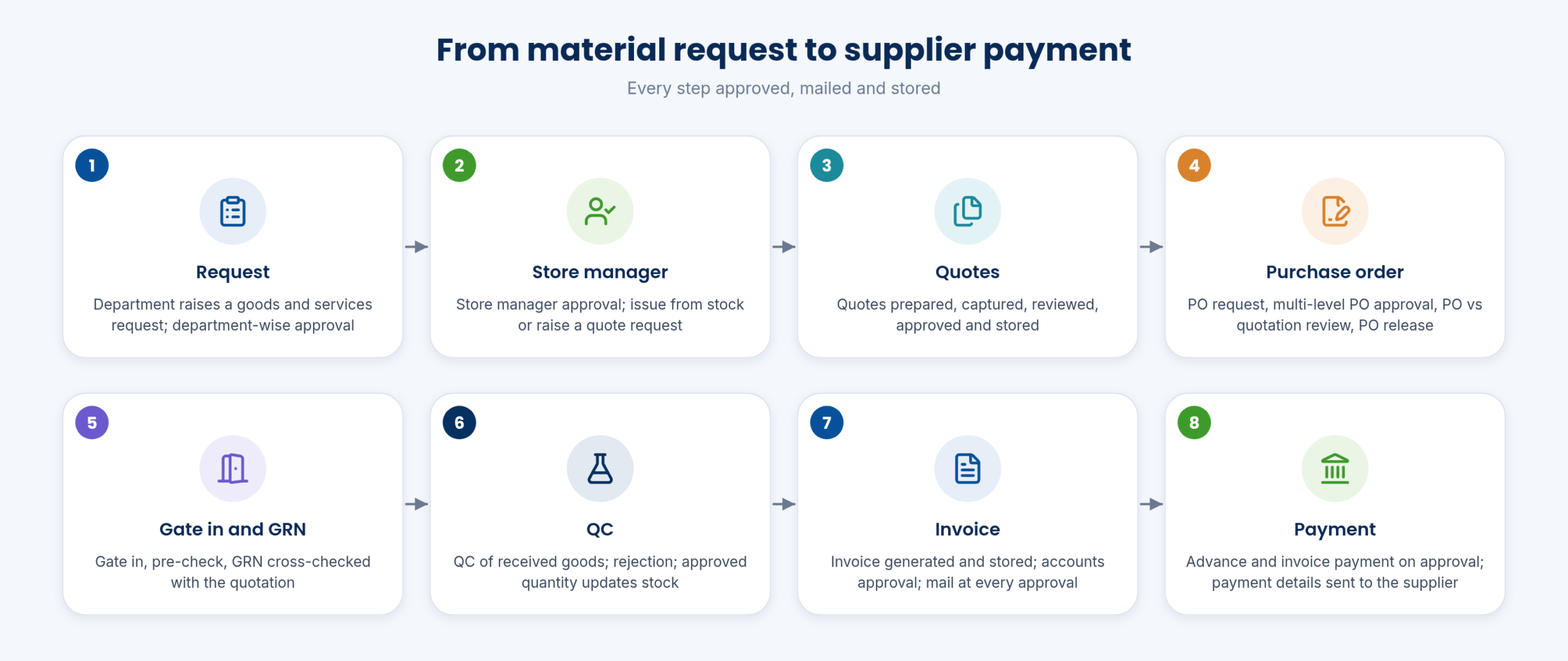
From a department’s material request to the supplier’s payment: requests, quotes, POs, gate in, pre-check, GRN, QC, invoice and payment, with stock kept by godown, rack and bin.
Requests and approvals
Department-wise material request and approval
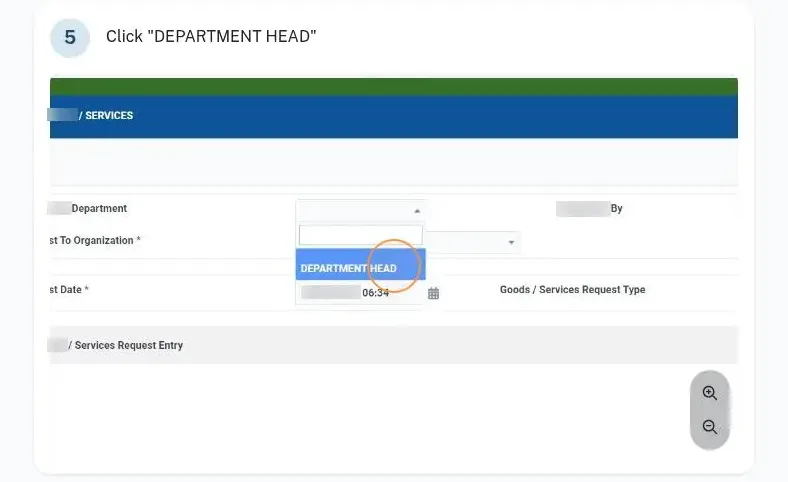
Users raise material requests for their department; the department head and then the store manager approve them before material is issued.
- Goods and services request
- Department head approval
- Ready to issue / handed over / partially issued
Department-wise budget allocation
Set a purchase budget for each department and follow spending against it.
- Budget per department
- Spend vs budget
- Utilisation cost per department
Quotes and purchase orders
Quote preparation, capture and approval
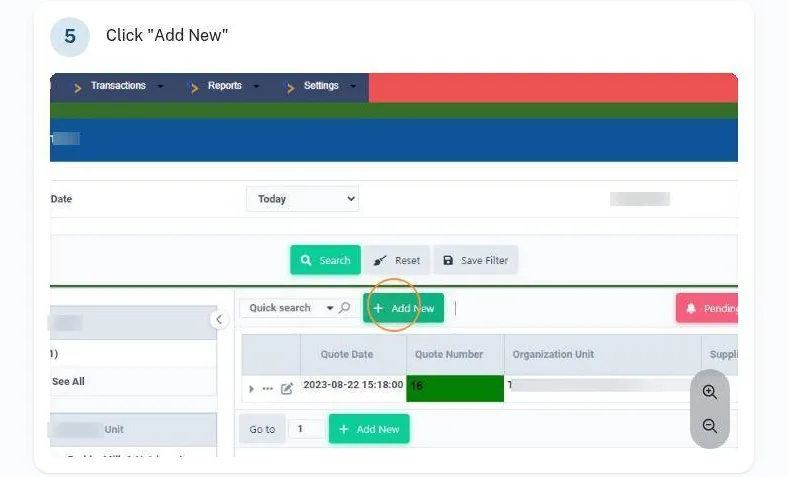
Prepare quotes, capture supplier quotes, review and approve them, and keep every quote on record. Approved quotes move to purchase in one click.
- Pending Quote → Move To Purchase
- Quote approval statuses
- Quote storage
Purchase order with multi-level approval
Raise a PO request and send it through as many approval levels as you set. The PO is checked against the quote, released and printed with your GSTIN, CIN and FSSAI header.
- Pending PO → Approve PO
- PO vs quotation review
- PO payment status
Gate in, GRN and QC
Gate in and pre-check
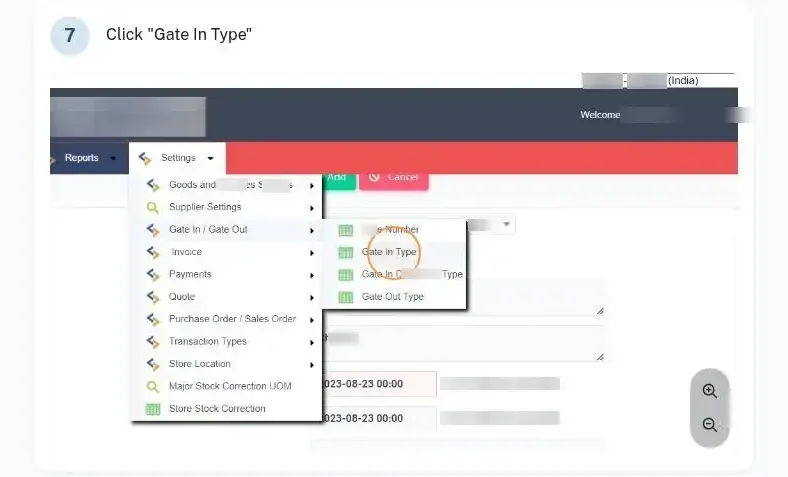
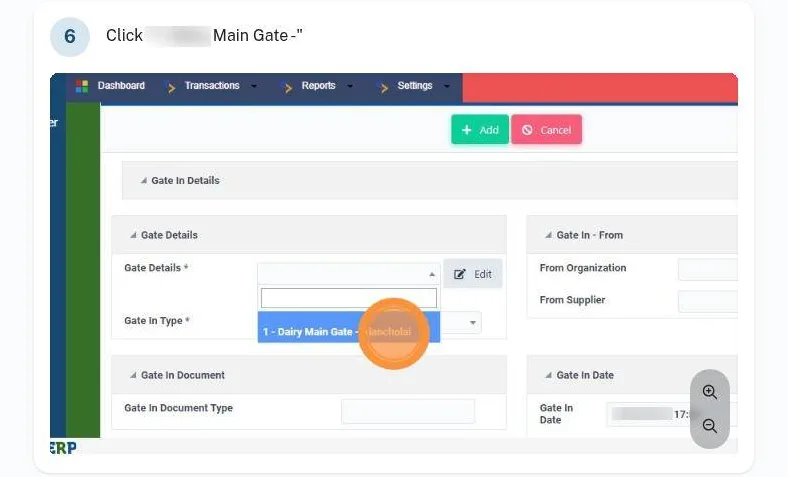
Security records the vehicle at the gate with the supplier invoice. The pre-check compares received quantity with order quantity before goods go further.
- Gate In with invoice upload
- Gate In Pre Check
- Returnable / non-returnable gate passes
GRN, QC and approved stock update
The goods received note is cross-checked with the quote, goods are QC-checked, rejections are recorded, and only the approved quantity goes into stock.
- GRN vs quotation
- Quality rejection
- Move to Store
Invoices, payments and suppliers
Invoice entry and document storage
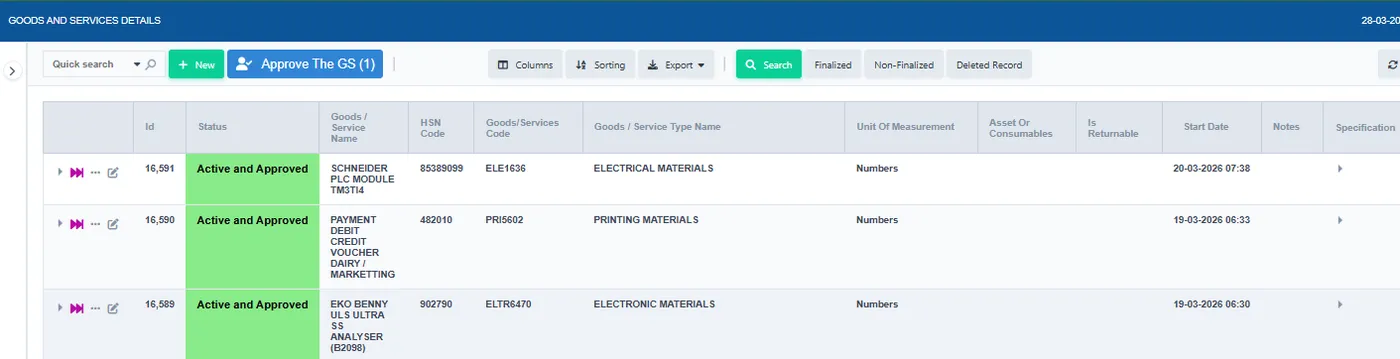
Record supplier invoices against the PO and GRN and review the full quote-to-invoice trail. DCs, invoices, service bills and contracts are stored with the transaction, so stores works as a mini accounts system.
- Invoice – Entry (Purchase and Store)
- Quote-to-invoice review
- All documents stored
Approval-based payments with automatic mails
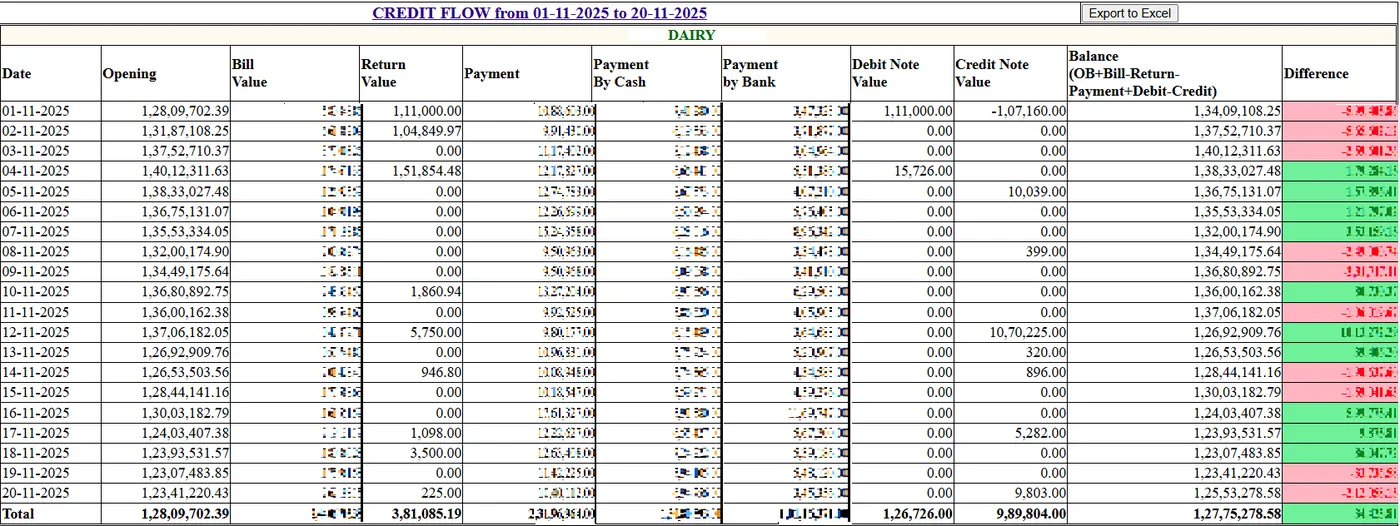
Advance and invoice payments are generated on approval, an email goes out at every approval step including accounts, and payment details are mailed after final approval.
- Payment terms and schedules
- Accounts approval
- Supplier credit note approval
Stock, locations and reports
Godown, row/rack and shelf/bin storage
Every item has a place down to shelf or bin across several godowns and warehouses. Stock can be transferred between stores and found by bar code.
- Multiple godowns / warehouses
- Row rack and shelf / bin
- Bar code based retrieval
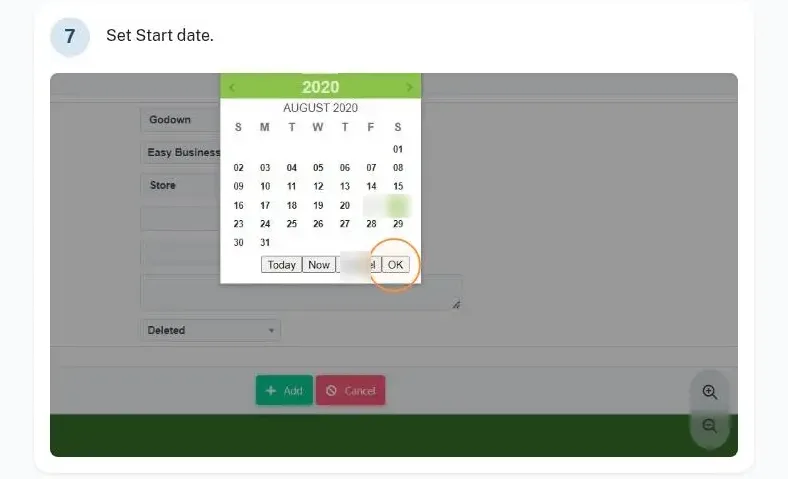
Stock statement and corrections
A stock statement for any store, with approved stock corrections by warehouse, UOM changes across the system and goods/services type changes.
- Store stock correction
- Change UOM across the system
- Monthly overall stock value
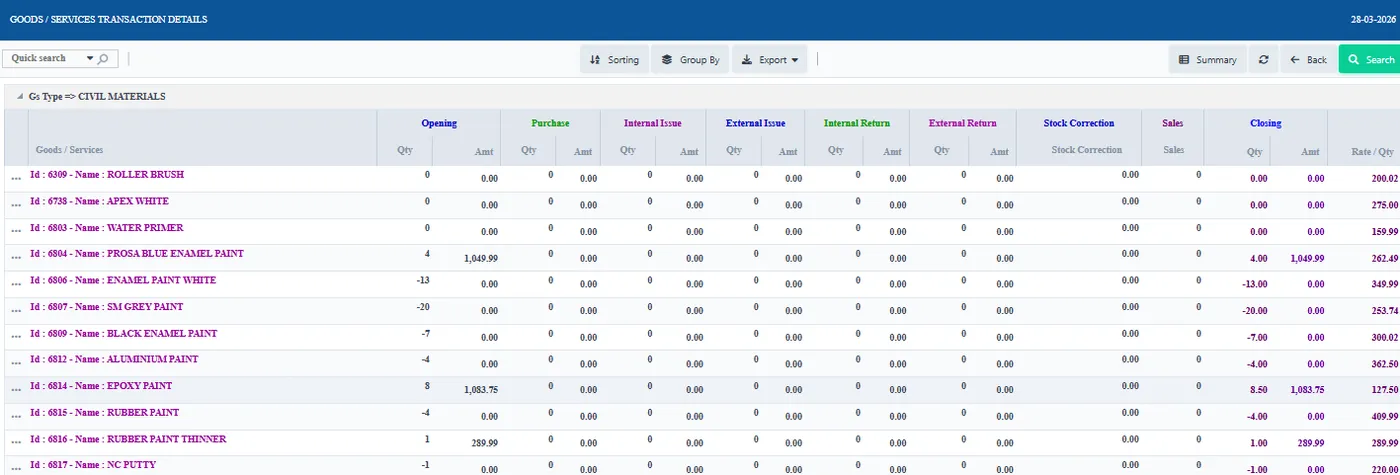
Consumption and price analysis
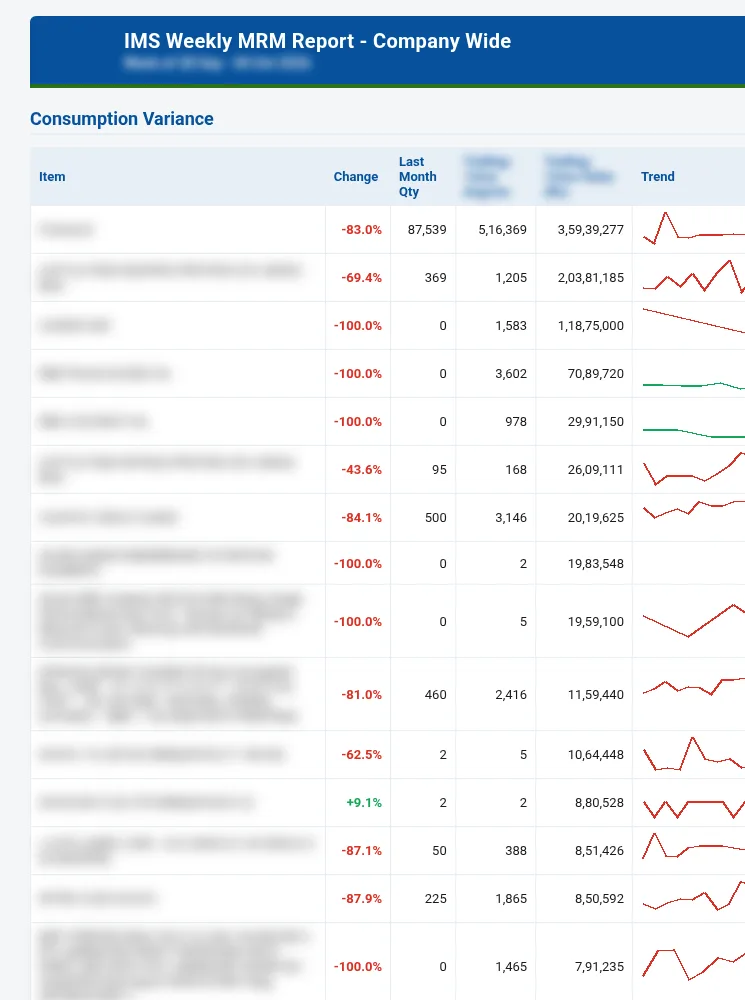
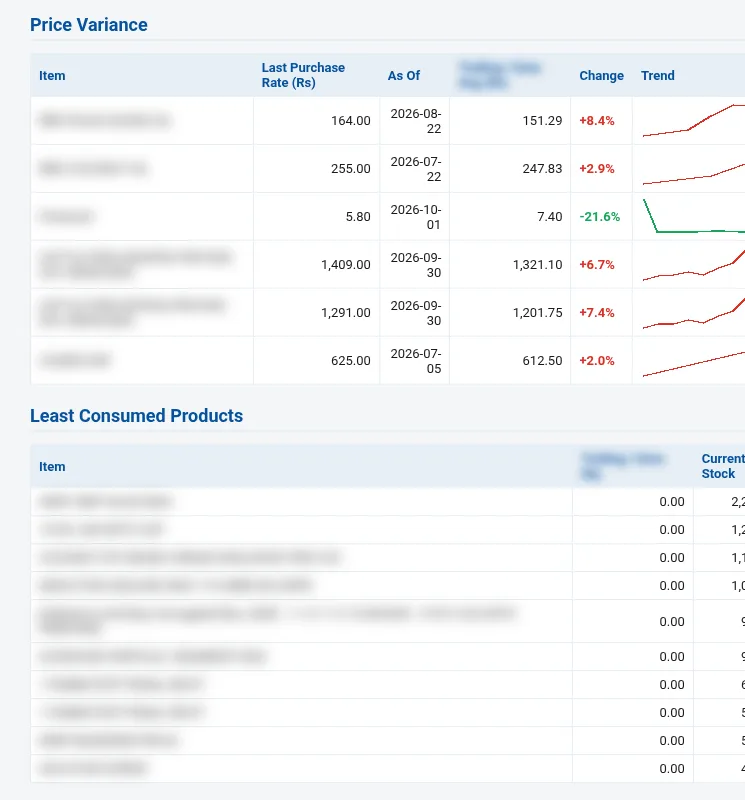
Monthly stock and consumption reports show usage by material and department, and price variance helps when you look for better suppliers.
- Monthly consumption analysis
- Department-wise utilisation
- Price variance
Material dispatch to chilling centres
Material sent to chilling centres is dispatched and billed from stores.
- Dispatch to CCs
- Billing from stores
- Entries flow to accounts
Stores on mobile
Check stock, prices and consumption, raise or approve requests, and approve quotes, POs and invoices on the mobile app, with supplier payment ledgers.
- Request and approve on mobile
- Quote / PO / invoice approvals
- Payment status
Walk through every function in the guided demo tour
Short cards for each screen and report, with links to the step-by-step Docs.
Related pages
Built for dairies, by a dairy software team since 2015
Every plant screen shown here runs on the same database as procurement, sales, stores and accounts, so a batch, a pouch or a GRN is never re-entered.
When you have seen enough, we are happy to show it to you live on our sample data: book a demo or call +91 94880 59495.