
Multiple ORG Units /Multiple Companies Support
Run several plants, companies and org units in one EasyDairyERP. Pick one or more at the top of the screen and see consolidated sales and finance across them.
On this page
Set-upMultiple org units and companies in one place
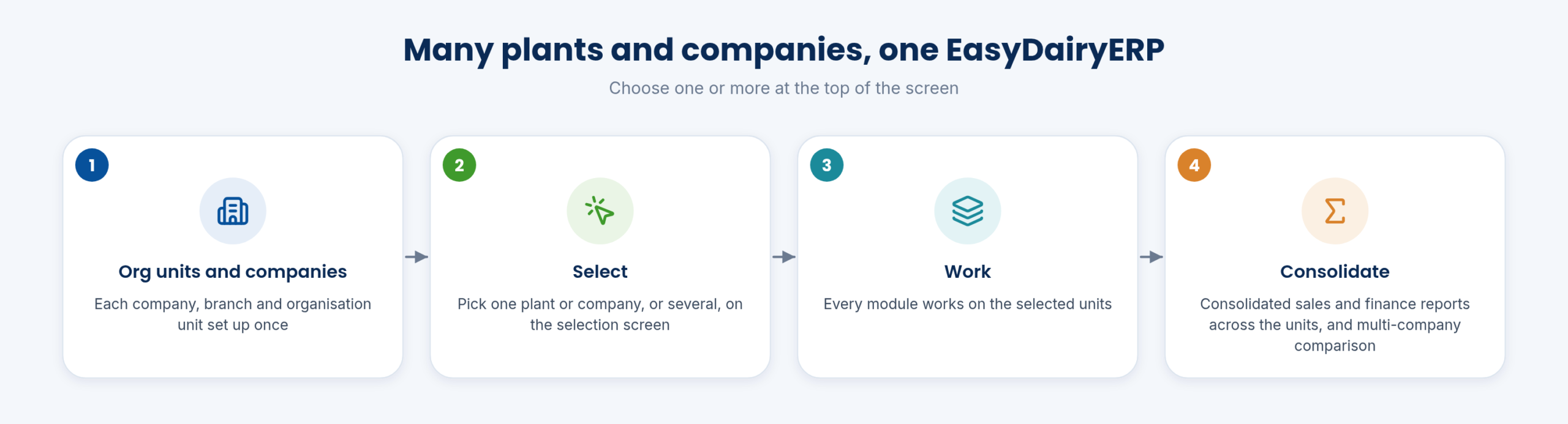
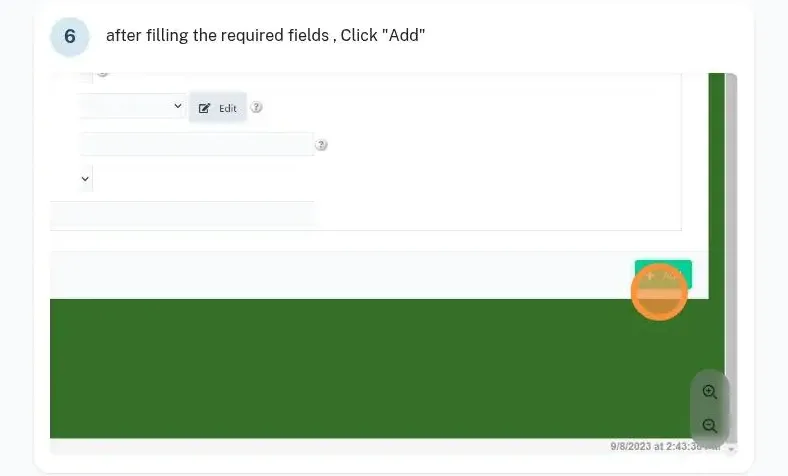
EasyDairyERP holds multiple organisation units and multiple companies in one system. Each company, branch and organisation unit is set up once, under Core → Organization Info → Organizational Unit, with the company name, branch and unit name.
Multi-plant and multi-branch working is built in, so a group with several plants or companies runs one EasyDairyERP rather than several.
Masters such as products, customers and routes can then be shared or kept per unit as the group needs, and every transaction carries the unit it belongs to, which is what makes consolidation possible later.
- Multiple ORG units / companies in one place
- Multi-plant and multi-branch capability
Daily useChoosing plants and companies
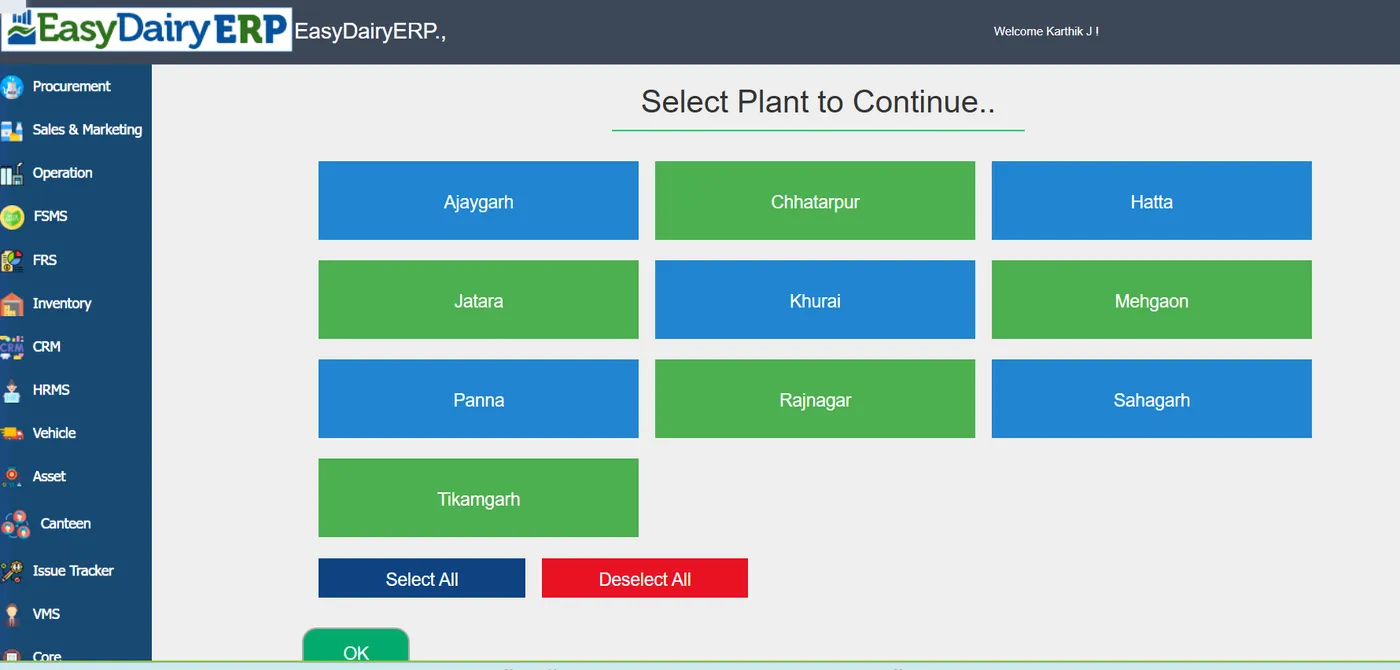
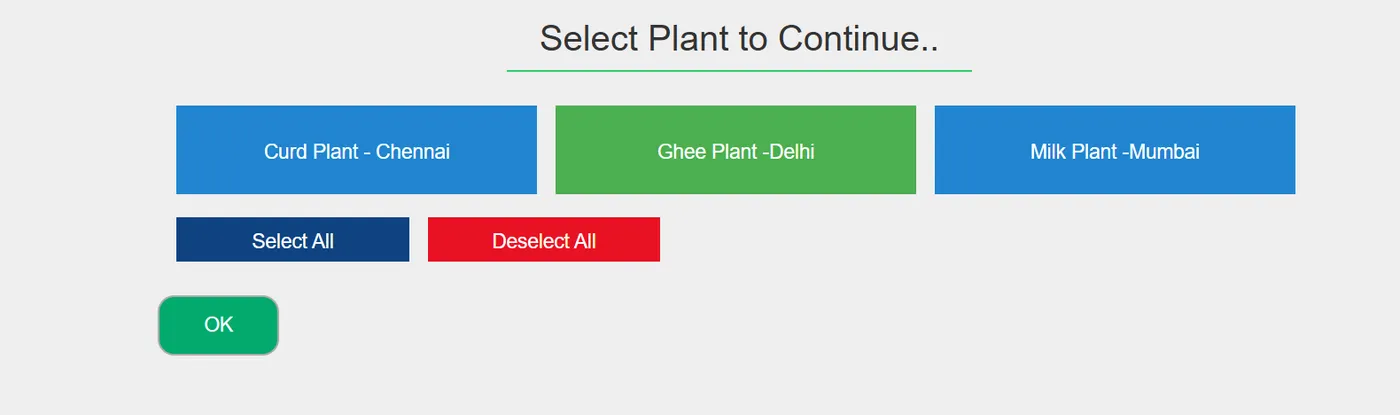
At the top of the screen the user picks one plant or company, or several. Every module then works on the selected units.
A plant manager works on their plant; group management selects all of them and sees the whole picture.
Because the selection applies to every module, the same screens and reports serve both the single-plant user and the group user; nobody has to learn a separate consolidation tool.
- Plant / company selection screens: Choose one or more plants or companies
ReportsConsolidated sales and multi-company comparison
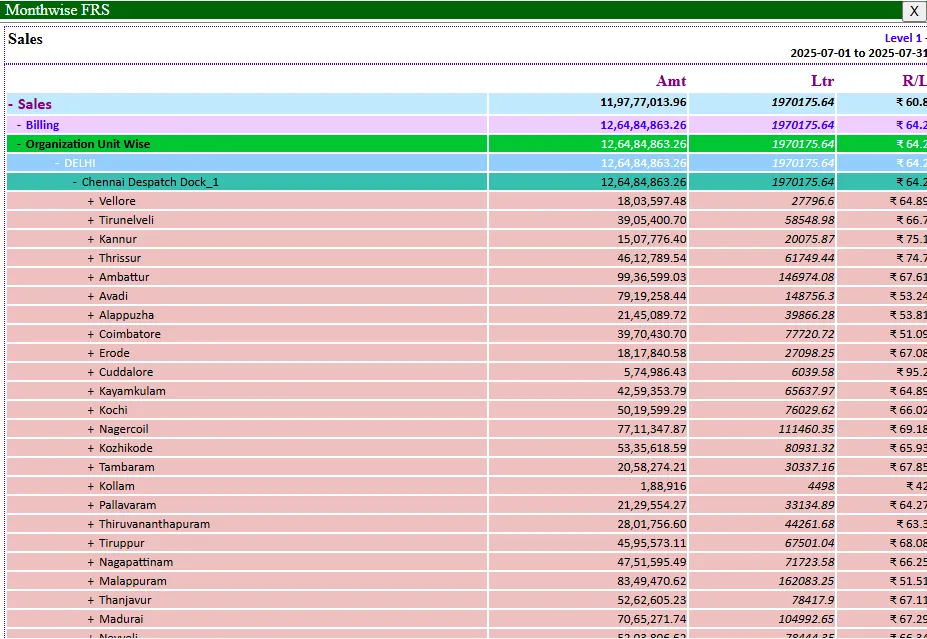
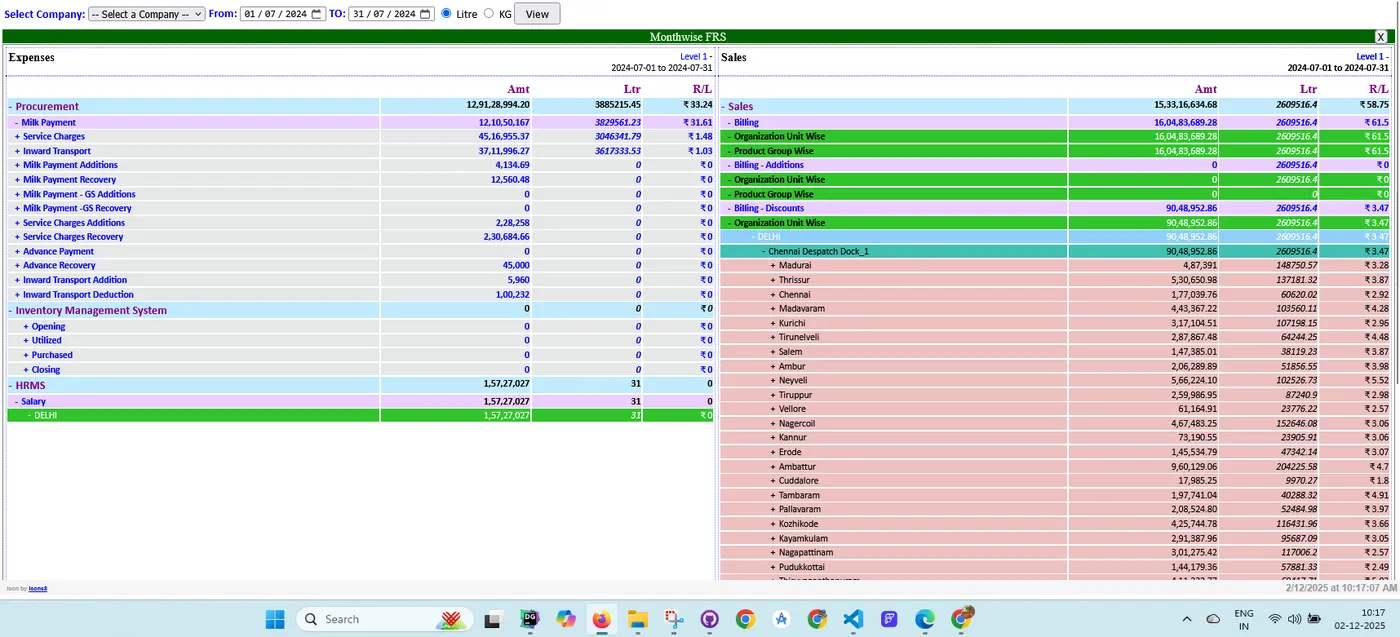
The consolidated sales report runs across org units, and companies can be compared side by side. Finance drills down the same way, month-wise across org units.
The group sees one consolidated figure and can drill into the unit behind it.
The group CFO and MD use the consolidated view to compare plants on the same basis, and the unit managers use the same report filtered to their own unit, so both talk about the same numbers.
- Consolidated sales report across org units; multi-company comparison
SpecificationsAt a glance
| Structure | Companies, branches and organisation units |
|---|---|
| Selection | One or more plants or companies at the top of the screen |
| Consolidation | Sales across org units; finance month-wise across units; multi-company comparison |
| Scale | Multi-plant and multi-branch |
FAQFrequently asked questions
Do we need one login per company?
No. Users choose one or more plants or companies on the selection screen.
Can reports be consolidated?
Yes: consolidated sales across org units, multi-company comparison, and finance month-wise across units.
Does every plant see the others’ data?
Users work on the plants and companies they select; group management can select all of them.
Which modules work across units?
Every module works on the selected units, and sales and finance have consolidated reports across them.
Keep exploring at your own pace
Every module page walks through the screens, reports and mobile apps in the same way, so you can see exactly how EasyDairyERP fits your dairy.
When you have seen enough, we are happy to show it to you live on our sample data: book a demo or call +91 94880 59495.